


Check Our Outage Map
See if an outage has been reported in your area or report an outage.
When your power is off:
- First, check your fuses or breakers.
- Second, check with your neighbors.
- Third, call EMC’s 24-hour phone service at (770-502-0226) or report the outage on our Outage Map.
Reporting Your Power Outage
Our members have several ways to report power outages:
Automated Services
Call EMC’s 24-hour phone service (770-502-0226)
Press 1 to reach Automated Services. Once in Automated services, Press 1 again to report the power outage.
If your phone number is recognized by our system, the system will automatically record your service location and report the outage. If your phone number is not recognized, you will be directed to the next available customer service representative.
Customer Portal
Log onto our customer portal by clicking here. If you are a first time user, follow the directions to create an account. The portal may also be used for payments, to review usage and to manage your account.
Mobile App
An app for smartphones is available for iOS and Android devices. This app can be downloaded from the App Store or Google Play and shares all the same features as our customer portal.
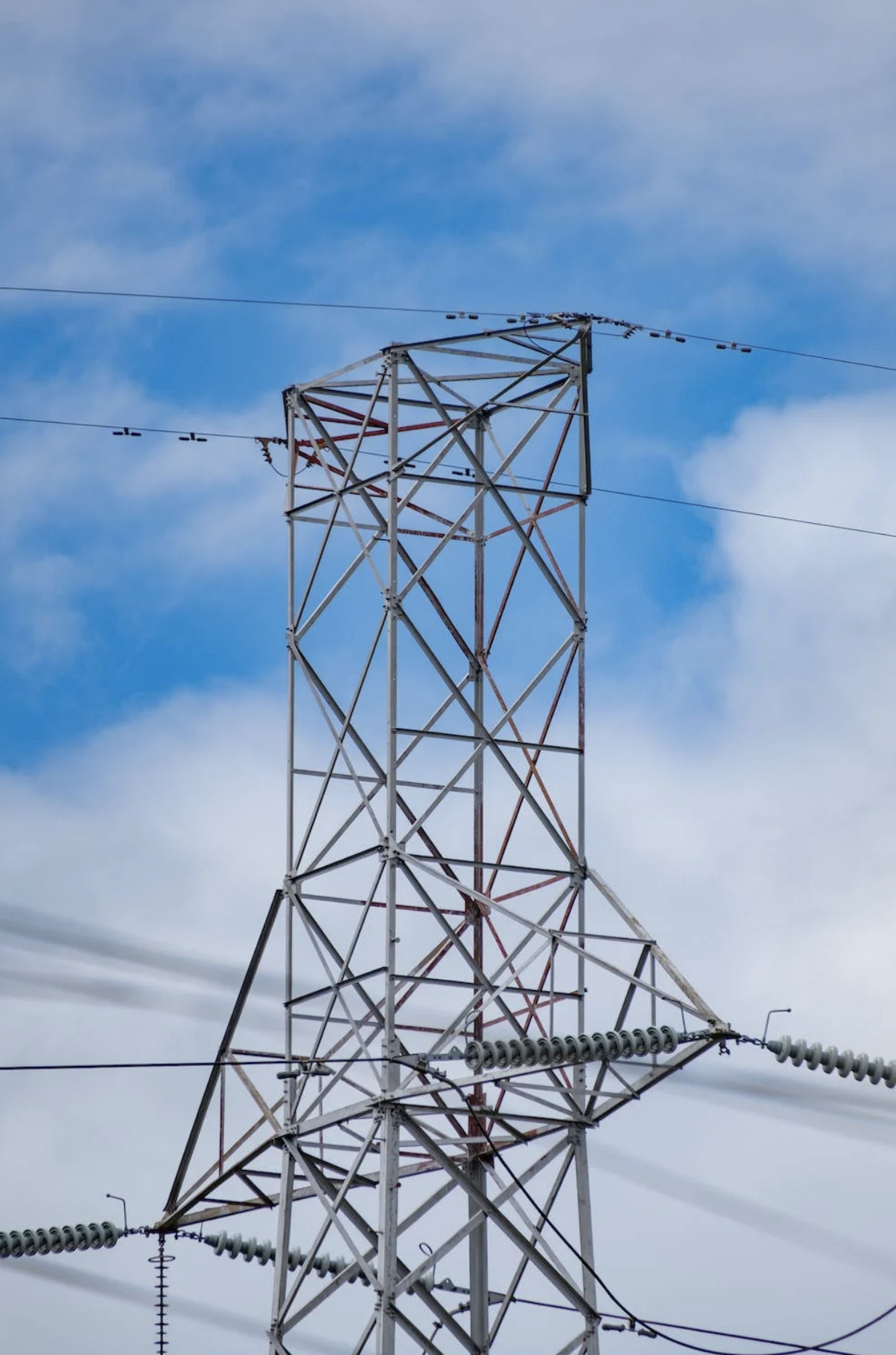
Help us keep the lights on – report damage. We inspect our lines regularly, but often you can spot trouble before we have a chance to reach it. Please tell us about anything suspicious you see, especially:
- A pole charred at the bottom or split at the top
- A wire or rope thrown over the line
- Overhanging branches and leaning trees
- Any sparking or fire, especially at the transformers
- Chipped or cracked insulators
- Persistent radio interference
Text a Power Outage
CFEMC’s texting service makes it easy to report outages and stay informed—whether you’re at home or away. It’s a simple, convenient option that helps us respond quickly and keeps you in the loop when the power goes out.
How it works
- The mobile number you use must be linked to the phone number on your CFEMC account.
- Texting allows you to report an outage or check outage status anytime, from anywhere.
Get started
- To check an outage status, text OUTAGESTATUS to 55050
- To report an outage, text OUTAGE to 55050
That’s it—no apps, no logins, just quick updates when you need them most.
Standard messaging rates may apply.